If you own a rental in Tbilisi and you live abroad, your biggest risk is not “a bad month.” It’s the slow drift: a tenant who pays later and later, a repair that turns into three vendor visits, a utility bill that lands in the wrong inbox, a vacancy that stretches because nobody is pushing viewings every day.
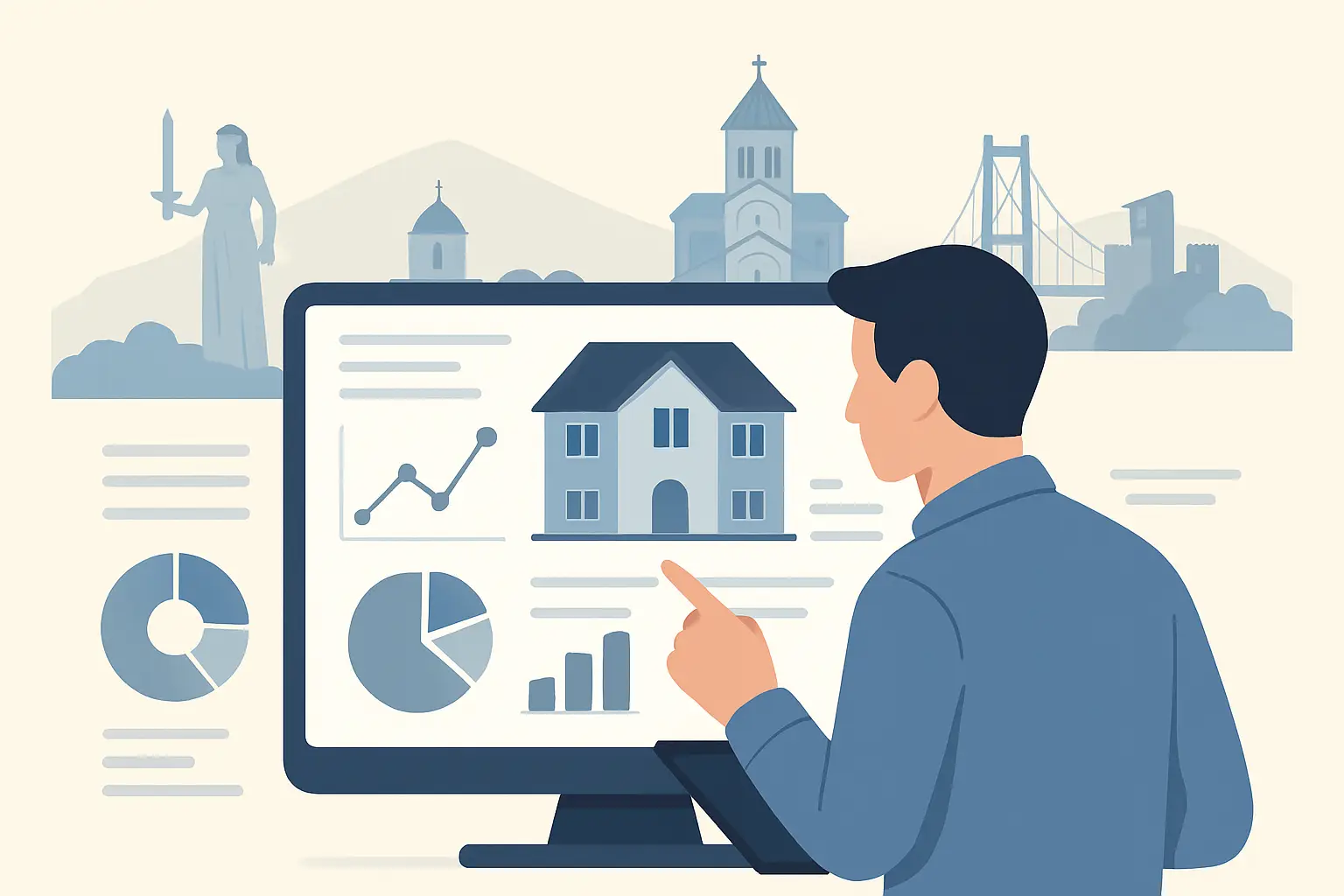
A proper reporting dashboard prevents that drift. It gives you remote control – not just pretty charts. When it’s set up correctly, you can answer the only questions that matter in under two minutes: Is the unit performing, what changed, what’s being done, and what do I need to approve?
What “international landlord reporting dashboard Tbilisi” really means
An international landlord reporting dashboard Tbilisi owners rely on is not a generic property spreadsheet. It’s a living operating view of one specific asset in one specific city, with local realities baked in: building maintenance norms, typical repair lead times, seasonality in demand, and the fact that many decisions need to be made while you’re asleep in another time zone.
The goal is simple: you should feel like you’re standing in Tbilisi even when you’re not. That means the dashboard must be tied to day-to-day execution – tenant communications, rent collection, maintenance scheduling, and documentation – not updated “when someone has time.”
The dashboard sections that actually protect your returns
If you only track income and expenses, you’ll still miss the early warning signals. The most useful dashboards are organized around performance, risk, and action.
1) Rent and cash movement, shown the way owners think
You want to see rent due, rent collected, and rent outstanding for the current month. But you also need context: what’s normal for this tenant, and is the payment pattern changing?
The most useful view shows the due date, actual payment date, late days, and any partial payments or agreements. If you’re paid in a different currency than the tenant pays, the dashboard should state the exchange rate used and the date it was applied. Otherwise, “collected” becomes a vague number that’s hard to reconcile.
A good dashboard also shows owner disbursement timing. Remote owners care about when funds arrive, not just when the tenant paid. If there’s a holding period to confirm utilities or building charges, that should be visible so you’re not chasing updates.
2) Occupancy and leasing velocity, not just “occupied/vacant”
Occupancy is a lagging indicator. By the time a unit is vacant, you’re already losing.
Your dashboard should show leasing velocity: days on market, number of inquiries, number of showings completed, applications received, and approvals issued. If the unit is vacant, you should see a weekly plan: pricing status, listing refresh dates, next showing block, and what feedback is coming from prospects.
This is where it depends. If your unit is in a new-build complex with heavy supply coming online, you may need more aggressive pricing and faster turn work. If your unit is in a high-demand pocket with limited comparable inventory, holding price can be reasonable – but only if showings are actually happening and the apartment presents well.
3) Maintenance that shows time, decisions, and accountability
Most international owners don’t mind paying for repairs. They mind surprises, delays, and unclear scope.
A useful maintenance panel includes the request date, problem description, severity, vendor assigned, scheduled visit time, completion date, and cost. It should also tag whether the issue is tenant-responsibility, owner-responsibility, or shared.
The difference between a “dashboard” and a monthly email is approvals. If you need to approve work above a threshold, the dashboard should show what’s waiting on you, what will happen if you do nothing, and whether a temporary fix exists.
You also want repeat-issue tracking. If the same problem shows up twice in 60 days, that’s rarely bad luck. It’s usually a wrong fix, a low-quality part, or a root cause that was never addressed.
4) Compliance and documentation, because paper is still risk control
Tbilisi rentals run on documents: agreements, ID copies, move-in photos, utility transfer records, building rules acknowledgments. When you’re remote, missing paperwork becomes a real liability during a dispute.
Your dashboard should have a clean document register with “last updated” dates. For each tenancy, you should be able to see lease start and end dates, deposit amount and location, and whether you have signed move-in condition photos.
If evictions or legal disputes ever become necessary, what saves you is not a friendly chat history. It’s the timeline and the paperwork.
5) Tenant relationship status, not gossip
Owners often ask, “Is the tenant good?” The dashboard should answer that with observable signals.
Payment consistency, number of maintenance requests, communication responsiveness, complaints from neighbors/building management, and any rule violations should be tracked as neutral indicators. The point is not to micromanage the tenant. The point is to spot risk early and correct behavior before it becomes a vacancy or a legal problem.
The reporting cadence: weekly visibility, monthly accounting
International owners typically need two rhythms.
Weekly, you want operational visibility: leasing progress, open maintenance items, and any tenant friction. That’s what reduces surprises.
Monthly, you want clean accounting: income received, expenses paid, management fees, and owner payout. This is where reconciliation matters. If a report looks “simple” but can’t be traced back to receipts and payment confirmations, it’s not actually simple – it’s incomplete.
If you own multiple units, your monthly view should also include a portfolio roll-up so you can spot which unit is underperforming. The best operators don’t hide weak assets inside averages.
Metrics that look smart but don’t help you manage
Some dashboards impress with graphs and still fail at control.
Vanity metrics include generic “market rent estimates” without real comps, lifetime ROI without updated capex, and occupancy rates without days-vacant detail. Another common distraction is listing views. Views don’t pay rent. Showings and qualified applications do.
You also want to be cautious with overly compressed “net income” numbers that don’t separate one-time repairs from recurring operating costs. If you can’t tell whether a dip was a plumbing incident or a new normal, you can’t make good decisions.
How to set up a dashboard that works across borders
The simplest approach is to build the dashboard around decisions.
First, define approval thresholds. Decide what your manager can approve automatically (small repairs, recurring bills) and what requires your written go-ahead. That single rule prevents late-night messages and keeps emergencies moving.
Second, standardize categories. Every expense should land in a consistent bucket: utilities, building charges, repairs, preventive maintenance, leasing costs. If categories change month to month, the reporting becomes noise.
Third, enforce evidence. Any non-trivial expense should have a receipt, a photo when relevant, and a short note describing what was done. You don’t need a novel. You need enough proof to feel confident and enough detail to spot patterns.
Fourth, make time zones explicit. If you’re in New York and your apartment is in Tbilisi, define response expectations. A good dashboard shows when the tenant contacted the manager and when the manager responded. That keeps service disciplined without requiring you to chase.
The trade-offs: transparency vs simplicity
More reporting can create more questions. That’s not always good.
If you’re a hands-off owner, you want a dashboard that highlights exceptions: late payments, vacancy risk, repairs above threshold, and compliance gaps. Everything else should sit quietly in the background, available when you want it.
If you’re actively acquiring more units, you’ll want deeper detail: tenant demographics, leasing channel performance, and building-by-building comparisons. The same dashboard can serve both, but only if it’s organized around what you’re trying to decide next.
What this looks like when it’s run by an operator
A dashboard is only as good as the team feeding it. The real value is not the report – it’s the discipline behind it: tenant screening that prevents problems, maintenance coordination that avoids repeat visits, and consistent follow-up so vacancies don’t stretch.
That’s how we run reporting for remote owners at Property Management Georgia: reporting tied directly to execution, with clear accountability for leasing, tenant handling, and repairs so you’re not managing the manager.
If you’re evaluating providers, ask one question that cuts through sales talk: “Show me a sample dashboard and explain what you do differently when a metric turns red.” If the answer is vague, the dashboard is decoration.
Close to the ground, the best dashboards do something simple: they reduce the number of surprises you experience as an owner. And when you own property in another country, fewer surprises is the closest thing to control you can buy.